Mac Studio Configuration Analysis
I did not include the more expensive options as they do not increase speed enough to justify the increase.
Hardware Comparison
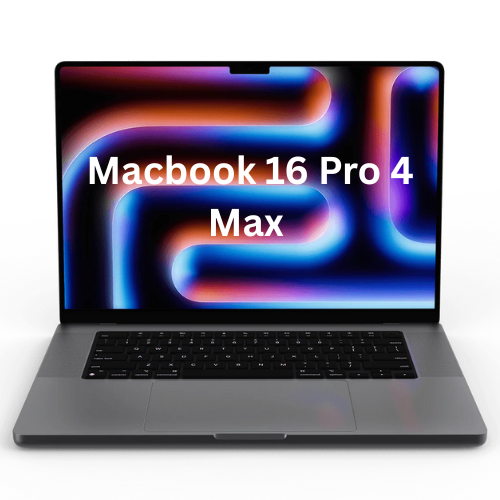
16-inch MacBook Pro - Space Black
- Apple M4 Max chip with 16-core CPU, 40-core GPU, 16-core Neural Engine
- 128GB unified memory
- 2TB SSD storage
- 16-inch Liquid Retina XDR display (Nano-texture)
- Three Thunderbolt 5 ports, HDMI port, SDXC card slot, headphone jack, MagSafe 3 port
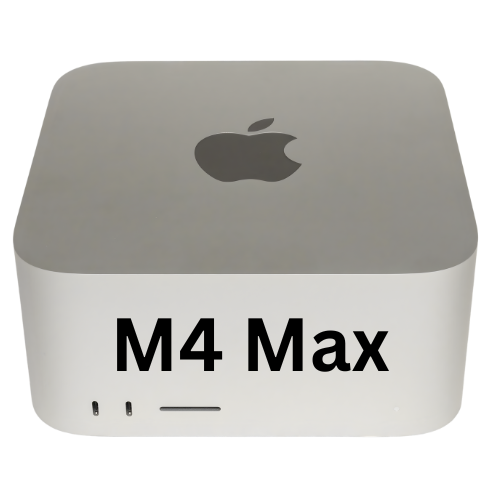
Mac Studio (M4 Max)
- Apple M4 Max chip with 16-core CPU, 40-core GPU, 16-core Neural Engine
- 128GB unified memory
- 4TB SSD storage
- Front: Two USB-C ports, SDXC card slot
- Back: Four Thunderbolt 5 ports, two USB-A ports, HDMI port, 10Gb Ethernet port, headphone jack
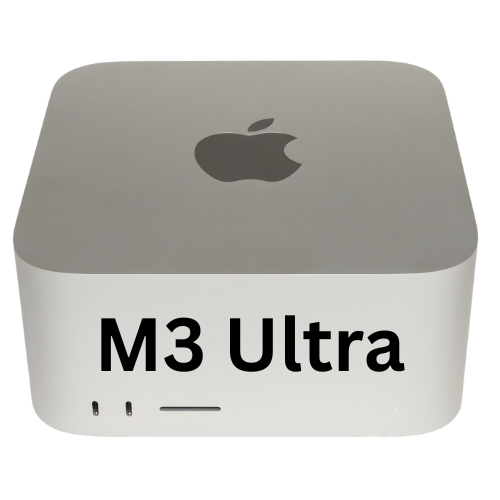
Mac Studio (M3 Ultra)
- Apple M3 Ultra chip with 28-core CPU, 60-core GPU, 32-core Neural Engine
- 256GB unified memory
- 4TB SSD storage
- Front: Two Thunderbolt 5 ports, SDXC card slot
- Back: Four Thunderbolt 5 ports, two USB-A ports, HDMI port, 10Gb Ethernet port, headphone jack
M3 is the only model offering 256G Unified Memory
Which =:
This translates to 30-45 minutes saved daily on development micro-interactions, generating $18,750-$28,125 in annual consulting-equivalent value.
The "Memory Wall": Why 256GB RAM Is Essential
The M4 Max tops out at 128GB of memory—fine for standard usage, but a major bottleneck for your system needs.
Key reasons:
- A single AI model (compressed efficiently) alone needs 50–80GB.
- Handling long inputs (e.g., UBS codebase, ~100k tokens) adds 10–20GB for context memory.
- Multi-agent setups require loading smaller helper models (7–13B) alongside the main one.
On 128GB, running the big model + context + tools like Docker and IDEs overloads memory. The system swaps to SSD—100x slower than RAM—causing AI stalls and system stutters.
With 256GB (M3 Ultra), you can allocate 128GB purely to AI (even high-quality uncompressed models or multiples) while leaving 128GB for macOS, builds, and databases. This enables smooth, simultaneous multitasking—no more closing apps to free space.
Why the M3 and not the newer M4 or M5?
The most decisive factor is the memory bandwidth. The M3 Ultra delivers 800 GB/s of unified memory bandwidth. System performance is almost strictly memory-bound. The compute units (GPU/NPU) spend the vast majority of their time waiting for data to arrive from RAM. By doubling the width of the memory highway, the M3 Ultra doubles the speed compared to the M4 series.
The Best Bang-for-Buck Upgrade: $600 for 4TB SSD
For a solo developer, jumping from 2TB to 4TB storage delivers the highest return on investment. It lets you keep everything local—no juggling external drives—and comfortably fits:
- All active UBS development environments
- Multiple LLM models (5–8 models, each 40–60GB)
- Current video projects plus raw footage
- Your full reference library with embeddings
- Docker images and development databases
- The complete ecosystem codebase
With 4TB, you work faster, switch projects seamlessly, and avoid file transfer failures.
Military Discount Applied
Net hardware cost with military discount: $6,295.34
Standard price for this configuration: $6,994.94
Difference: $699.60 saved using the military discount.